

Android LED Display Panels
Introduction
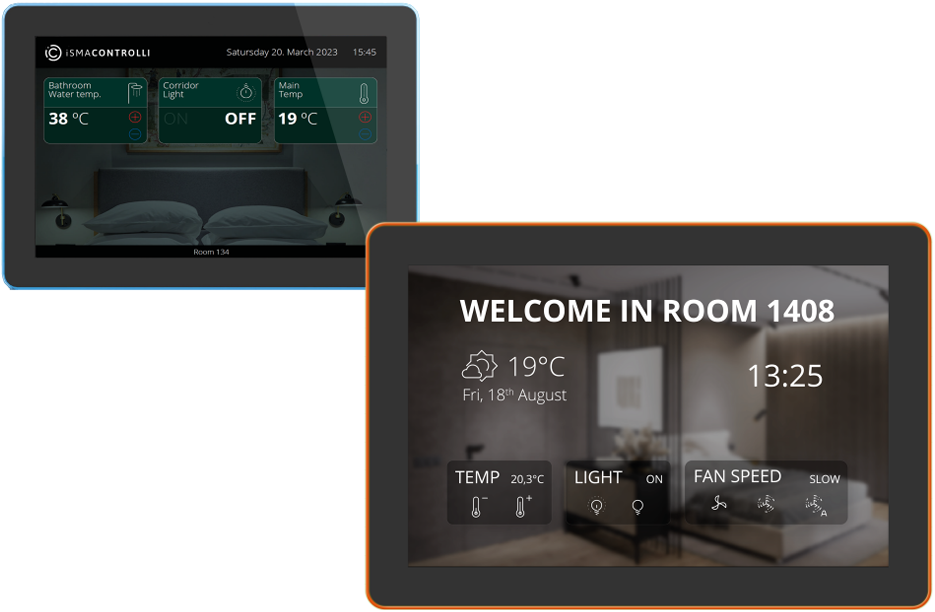
The PA-LED family are LCD room panels with LED bars, designed for commercial applications. Powered by the Android operating system and equipped with the dedicated iSMA iC SmartView application, these panels offer excellent operation in a variety of commercial environments.
They are also available in a variety of size options.
These panels come with a built-in multicolour LED bar that can be customised to suit specific needs and integrated into BMS type applications for enhanced functionality.
One such Example Could be to display on the floor of an office area the environmental conditions:
Such as: Temperature | Humidity | Air Quality:
|
Description |
GOOD |
POOR |
BAD |
|---|---|---|---|
|
Temperature |
Green |
Amber |
Red |
|
Humidity |
Green |
Amber |
Red |
|
Air Quality |
Green |
Amber |
Red |
From a sales perspective
Why Seeing Air Quality Is the Game-Changer That Schools Have Been Waiting For
Walk into any classroom and you’ll see interactive screens, smart boards, and digital tools designed to support learning. But there’s one critical factor that still goes largely unnoticed.
The air students are breathing every minute of the day.
The truth is simple:
you can’t manage what you can’t see.
That’s exactly where visual air quality monitoring transforms the conversation.
From Invisible Risk to Instant Insight
Air quality has always been important, but traditionally it’s been hidden behind numbers, logs, or BMS dashboards that only engineers ever see.
What if it didn’t have to be that way?
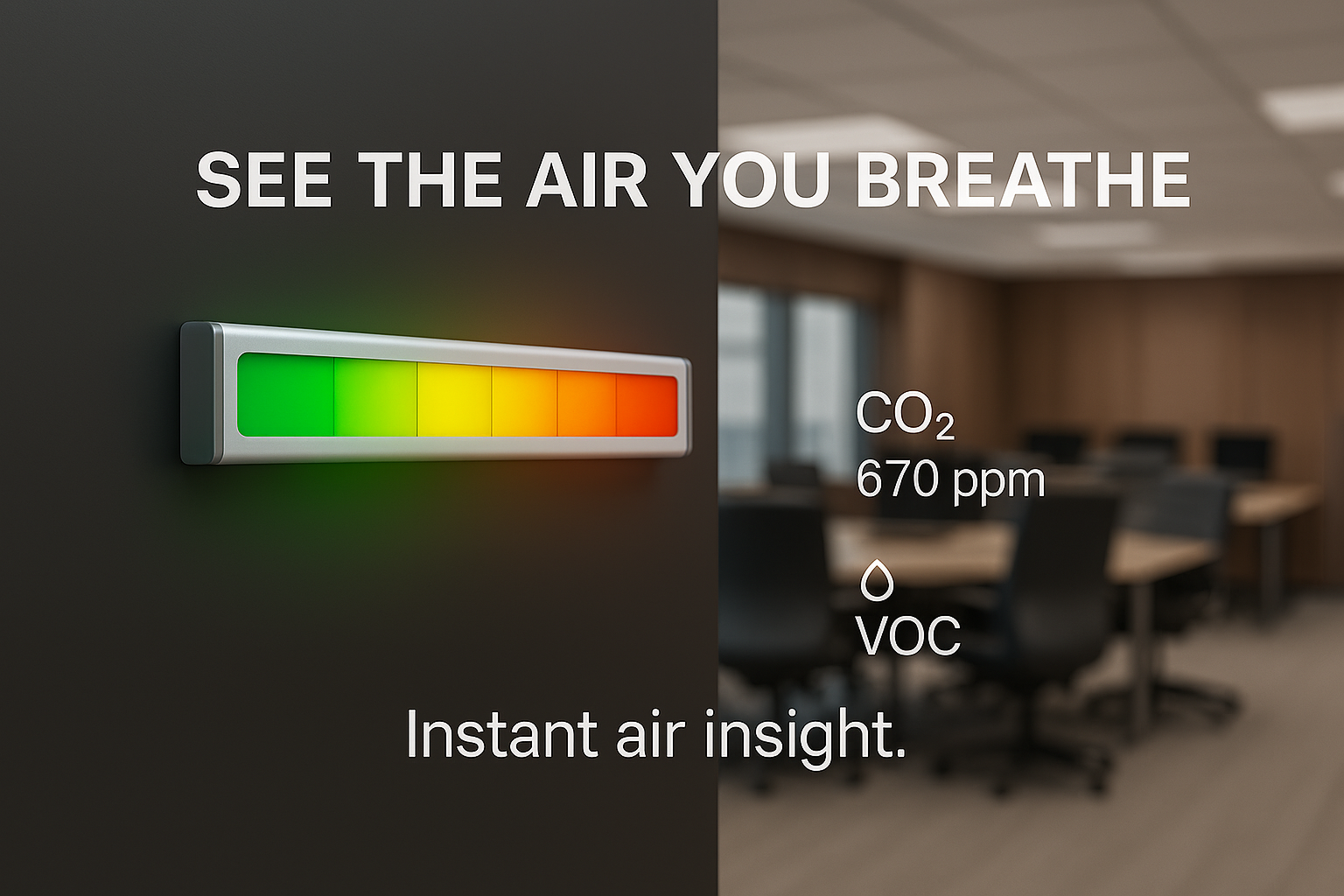
“See the air you breathe.”
By using a visual AIQ display with a clear LED indicator, air quality becomes immediately understandable, not just for facilities teams, but for teachers, staff, and even students.
Instructions from the iC SamrtView Config User Manual:
4.2.2 LEDExt
Warning!
The LEDExt extension is only applicable to the iSMA CONTROLLI HMI Android panels which have a LED lighting built-in (the PA-LED series).
The LEDExt is an extension component which allows to remotely switch on or off the LED lighting on the panel configured in the iCSmartViewRecipient component and change the LED lighting color.
NOTE: The LEDExt component must be located under the iCSmartViewRecipient component.
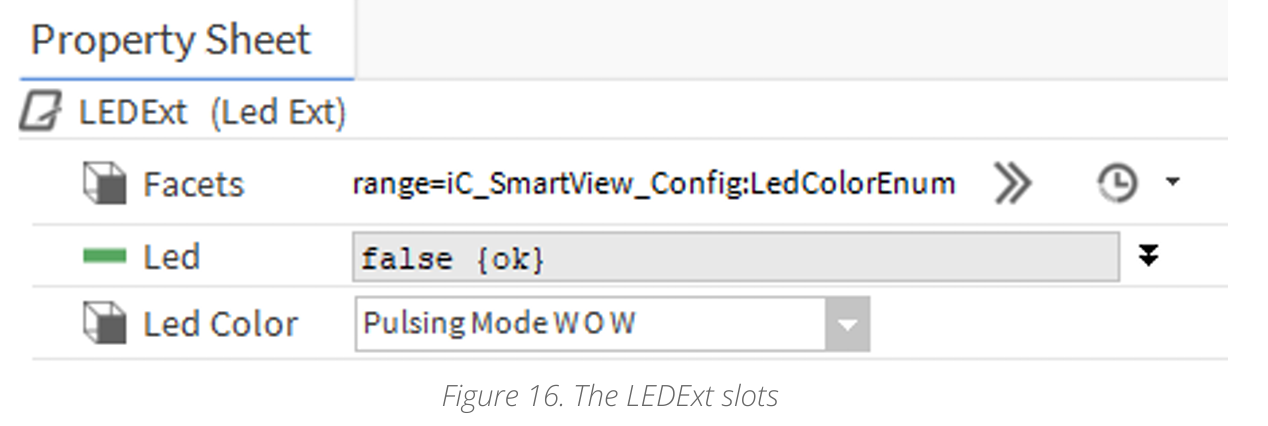
The LEDExt extension has the following slots:
-
Facets: facets backup for integrators to know how to choose LedColor facets in other components;
-
Led: allows to enable or disable the LED lighting on the panel, which is configured in the iCSmartViewRecipient;
-
Led Color: allows to change a color of the LED lighting on the panel, which is configured in the iCSmartViewRecipient.
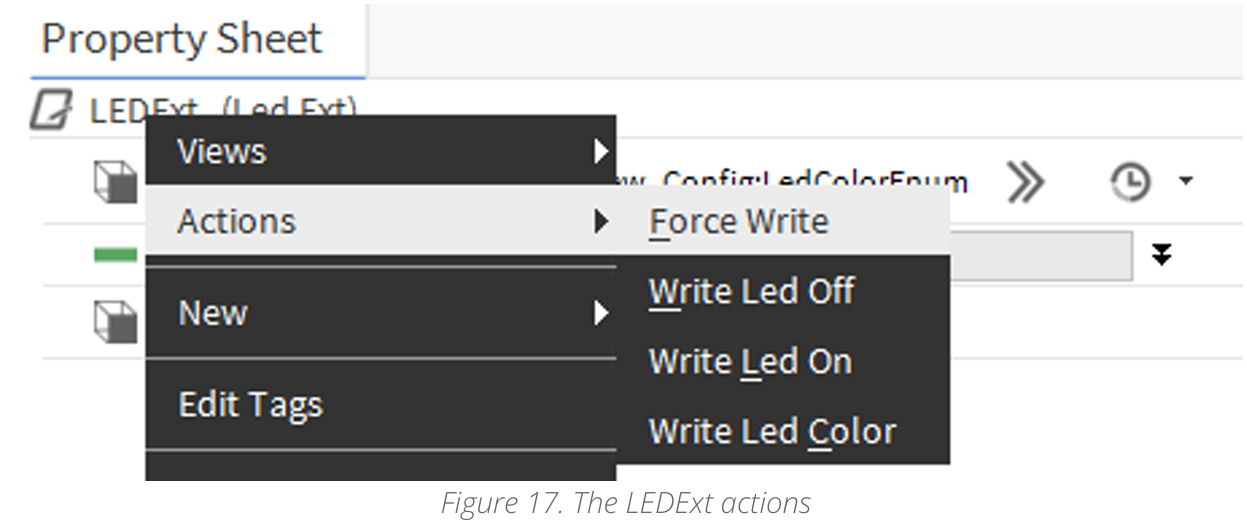
The LEDExt extension has the following actions:
NOTE: These actions can be invoked manually from the context menu or automatically on the change of value of the extension’s slots (Led for either Write Led Off or Write Led On actions, and Led Color for the Write Led Color action).
-
Force Write: sends requests to the panel configured in the parent iCSmartViewRecipient component using current values in slots;
-
Write Led Off: switches off the LED lighting on the panel configured in the parent iCSmartViewRecipient component;
-
Write Led On: switches on the LED lighting on the panel configured in the parent iCSmartViewRecipient component;
-
Write Led Color: allows to set and send the LED lighting color specification to the panel configured in the parent iCSmartViewRecipient component.
iSMA Technical Support have replied as follows:
This feature is configured within the iC Smartview Niagara module found below.
Please see here the manufacturers link to the official user manual for this module.
Other Resources & Customer Survey:
💬 Don't miss out! Follow the Forest Rock News channel on WhatsApp Click Here!
💬 We’d also love your feedback! Please take a moment to complete our quick Customer Survey
It only takes a minute and helps us serve you better!

IoT Devices for BMS, Automation & Smart Connectivity | Forest Rock