

Very Simple article to log into a Melco Jace with the right credentials as of 27/03/2026.
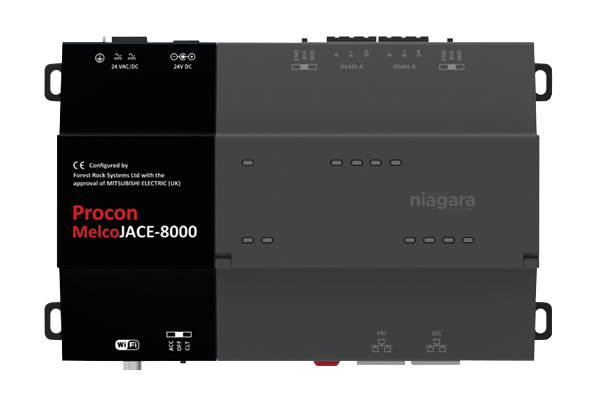
The default IP address for each connector is as follows:
Primary Ethernet Port: 192.168.1.140
Secondary Ethernet Port: 10.10.10.10
Wireless Port: 192.168.11.1
Log into the platform first
The platform credentials are:
Username: user
Password: Password123
Then Log into the station
The station credentials are:
Username: admin
Password: Admin12345
Once Logged in, try accessing the Melco via the web browser:
Initial Lock Screen
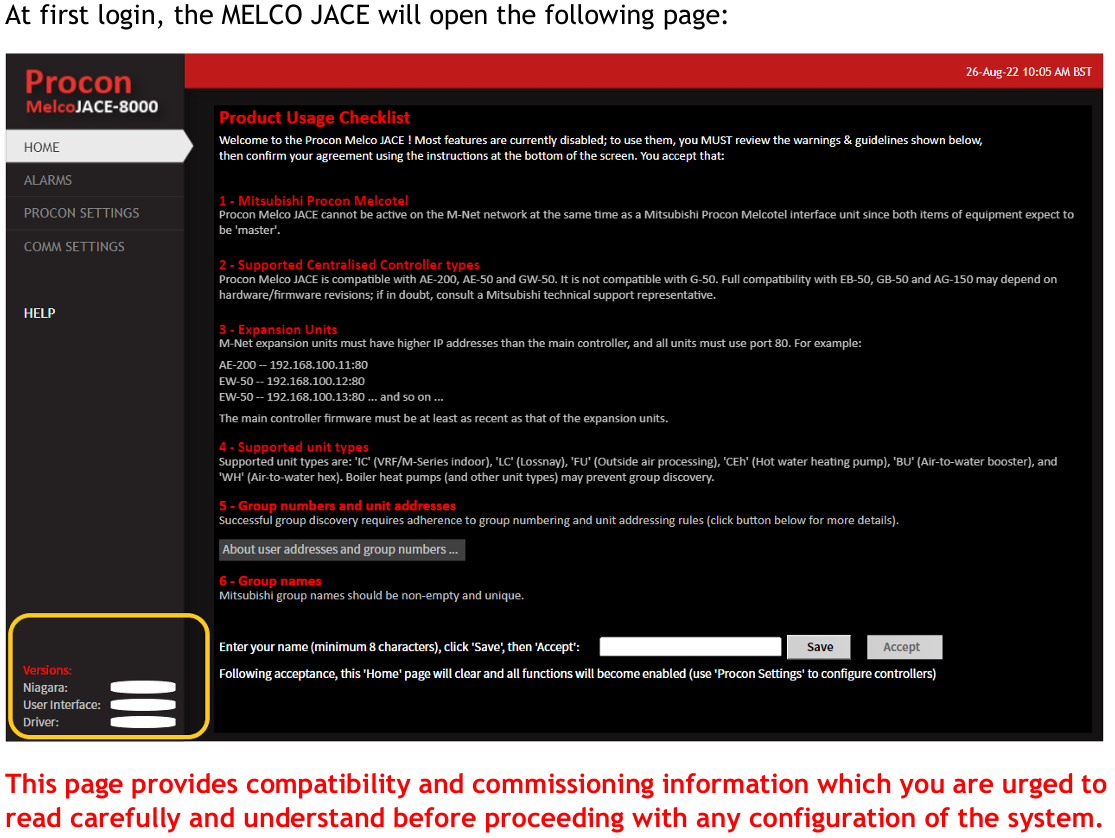
Note that the station credentials are fixed and so should not change unless a new build is released.
In some cases larger customers have their own template stations for the Melco JACE and therefore their own station credentials.
The platform credentials are set by the sales team when the Melco JACE is commissioned before it is sent out. These should be as above, but if you find they do not work for a customer please ask the sales team. In rare cases it may be that the the staff member who usually configures the Melco JACE before it is sent out was off, and a different set of credentials were used such as admin | admin.
Resources: Melco Jace User Guide.pdf
Other Resources & Customer Survey:
💬 Don't miss out! Follow the Forest Rock News channel on WhatsApp Click Here!
💬 We’d also love your feedback! Please take a moment to complete our quick Customer Survey
It only takes a minute and helps us serve you better!

IoT Devices for BMS, Automation & Smart Connectivity | Forest Rock