

For Trend Engineers New to N4

This article contains proprietary information for Trend Engineers new to N4 who sometimes feel lost transitioning to Niagara. It helps these engineers see that whatever Trend could do, Tridium can do too, but it requires more engineering and problem-solving.
The Advanced Logic Scheduler allows a user to define a master schedule, add the Trend ord for the Subordinate Schedule Export and control that subordinate schedule (or multiple schedules) under the dictates of the Master schedule Exception list. It can be individually exported or the master can initiate the export, sending its exceptions direct to the controller. If there is need to override the master exception, then a new exception can be written to the excepted schedules exception list at a higher priority.
To better aid configuration a user can export a list of schedules from the supervisor and copy them all into one comma separated list. All the schedules in the list will receive the exported exceptions from the master.
-
Advanced Scheduler (Master Event Schedule) – Ready & usable
-
Alarmer Utility – In progress (not fully ready yet)
-
Drop-down Menu Utility – Planned for future
-
Scraper Utility – Planned for future


Basic Guide Outline:
Installation is similar to AdvancedLogic just not needing a service (currently, may change in future).
Extension Setup:
-
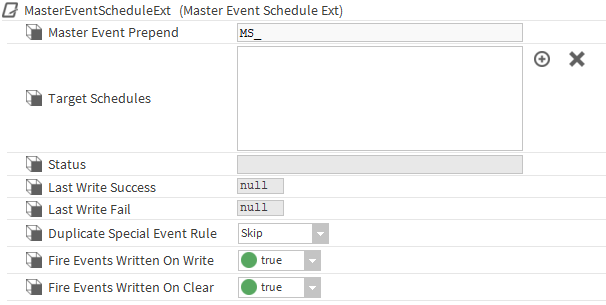
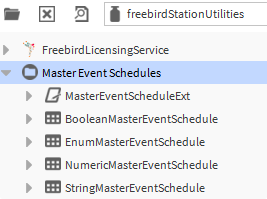
Add one of the pre created master event schedules to the station or add the extension to an existing schedule. The schedules will only write to the same Type of schedule so multiple may be needed
-
Go to the AX Property sheet of the Extension and setup the Target Schedules by either clicking the plus button and pasting a Valid ord that resolves to a schedule or making a list of ords (separated by commas “,” or semi-colons “;”) and using the add multiple targets action.
-
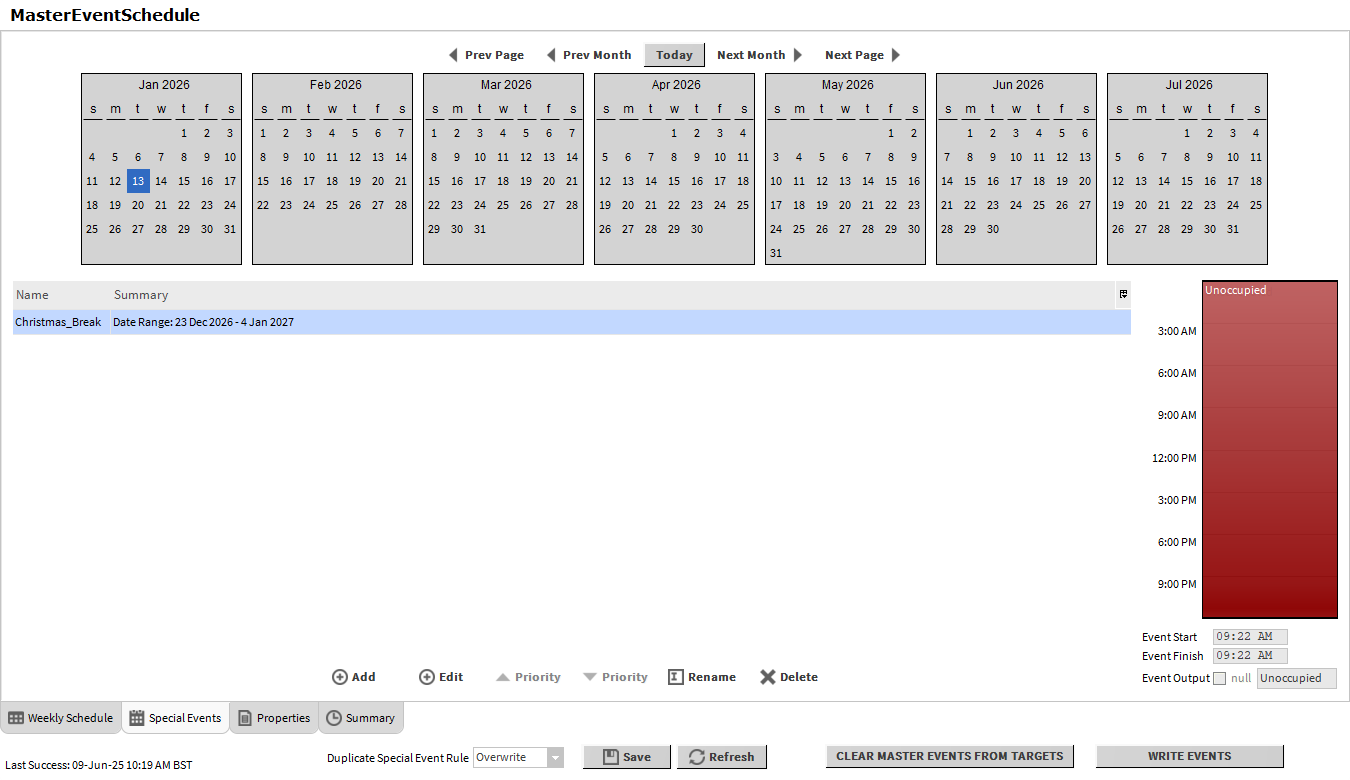
Go to the Wb Schedule Home view and click on the Special Events Tab. Create a new blank unscheduled event, save your changes, then click write events to test all ords are setup properly. Any errors should show in the bottom left and the Status slot on the extension. Once testing is complete click Clear Master Events From Targets to clear all testing events if required.
-
OPTIONAL: Link mark the eventsWritten Topic slot to any schedule export actions to enable auto export when the events are successfully written to the schedules.
-
Connect to the local or remote station and open the AdvancedLogic palette then add the Service to the Station Services
-
On a px page setup a hyperlink or popup button to the extension to enable access for end users. Do not define a view as the correct view will automatically be selected depending on what use end user is viewing the px on (web browser or workbench)
If you need more help:
Then why not contact our sales or support team.

sales@forestrock.co.uk or support@forestrock.co.ukOther Resources & Customer Survey:
Other Resources & Customer Survey:
💬 Don't miss out! Follow the Forest Rock News channel on WhatsApp Click Here!
💬 We’d also love your feedback! Please take a moment to complete our quick Customer Survey
It only takes a minute and helps us serve you better!

IoT Devices for BMS, Automation & Smart Connectivity | Forest Rock