

Milesight WT102 LoRaWAN Smart Radiator Thermostat – Follow‑Along Training Guide
Forest Rock Knowledge Base Edition
Video Reference: https://www.youtube.com/watch?v=vomkidfFbxU
OVERVIEW
WT102 is a LoRaWAN® radiator thermostat designed to help manage the heating control system. It uses thermal energy harvesting to power itself, eliminating the need for battery replacement or a wired power connection, thus reducing maintenance costs. With one preset date period and up to 16 customized heating plans, it enables the smart management of the heating system. WT102 is a smart and highly environmentally-sensitive product. Abnormal temperature difference and extremely low temperatures can quickly trigger it, prompting fast corrective action by adjusting the valve opening.
Compliant with Milesight LoRaWAN® gateway and Milesight Development Platform solution, WT102 is able to work with the WT401 wireless thermostat to achieve remote linkage control.
The device has the following features:
-
Built-in temperature sensor with support for external NTC sensor or WT401 wireless thermostat connection enables environmental detection and accurate control
-
Intuitive, direction-adjustable LED display suitable for various installation environments
-
Maintenance-free, self-powered by temperature difference with no battery replacement required
-
Equipped with NFC for one touch configuration
-
Up to 16 heating plans within one preset Date Period
-
Supports open-window detection and freeze protection
-
Supports the child lock function and anti-theft installation for safety reasons
-
Stores historical records locally and support retransmission to prevent data loss
-
Function well with standard LoRaWAN® gateways and network servers
-
Compatible with BACnet system via Milesight LoRaWAN® gateways
-
Compatible with Milesight Development Platform
-
Supports multicast for control in bulk
-
Support Firmware Update Over the Air (FUOTA) featureThis knowledge base is compiled from the Milesight video series. For the latest videos and updates, visit the Milesight YouTube channel.
NOTE:
If you want to watch the video while following along with the Forest Rock generated training notes, then right click and open the video link in a new split screen window and the video should appear on the right of the notes so that you can follow along.
This guide assists engineers in following the Milesight WT102 product video with timestamped notes, technical references, and device comparison tables.
It is designed to support bench testing, commissioning, and deployment planning.
1. Video Timeline – Key Learning Points
0:01 – 0:10 | The Problem
-
Traditional TRVs require frequent battery changes.
-
Maintenance becomes costly in multi‑room or hard‑to‑reach deployments.
0:10 – 0:24 | Introducing WT102
-
WT102 uses thermoelectric energy harvesting from radiator heat vs. air temperature.
-
Results in near zero‑maintenance operation.
-
Up to 2 years standby when radiators are off and no heat is available
-
Can be recharged with a standard USB-C power source and cable
0:24 – 0:33 | Smart Temperature Control
-
Built‑in temperature sensor.
-
Adaptive algorithms for comfort + reduced energy waste.
0:33 – 0:41 | Robust Metal Design
-
Metal enclosure designed for resilience.
-
Ideal for schools, hospitals, and public areas.
0:41 – 0:52 | Local & Remote Control
-
High‑definition LED display.
-
Minimalist control panel.
-
Precise local setpoint adjustment.
0:52 – 1:06 | Local Scheduling
-
Create up to 16 heating schedules within one date‑period template.
-
Operates standalone once configured.
1:06 – 1:19 | LoRaWAN Class B
-
Faster command response than Class A.
-
Integrates with:
-
Niagara N4
-
Forest Rock LoRa driver
-
TTN / ChirpStack / Milesight Cloud
-
1:19 – 1:26 | DtoD with WT401
-
Device‑to‑Device pairing for same‑room temperature control.
-
REDUCES gateway dependency or latency.
1:26 – 1:32 | Open‑Window Detection
-
Sudden temperature drop triggers anti‑waste behaviour.
-
Valve avoids reopening fully after temperature dip.
1:32 – 1:46 | Frost Protection
-
Approaches 3°C → valve opens automatically.
-
Prevents pipe freezing and asset damage.
1:46 – 2:00 | Product Summary
-
Maintenance‑free
-
Long‑life
-
Energy‑efficient
-
Ideal for estate‑level deployments
2. Comparison: WT102 vs WT101
|
|
WT102 (Energy Harvesting) |
WT101 (Battery Powered) |
|---|---|---|
|
Power Source |
Thermal energy harvesting (no batteries) |
AA batteries |
|
Maintenance Load |
Zero |
Battery replacement cycle |
|
LoRaWAN Class |
Class B |
Class A |
|
Display |
High‑definition LED |
LCD |
|
Body Material |
Metal |
Plastic |
|
Scheduling |
Up to 16 schedules |
Basic scheduling |
|
Valve Torque |
Higher torque |
Medium torque |
|
Best Use Cases |
Schools, hospitals, social housing |
Residential & light commercial |
|
Frost/Open‑Window |
Yes |
Yes |
|
DtoD Support |
Yes (with WT401) |
Limited |
3. DtoD‑Compatible Devices
DtoD allows sensors and thermostats to communicate directly, without round‑trips via the gateway.
Useful for real‑time control in a single room/zone.
Compatible Devices:
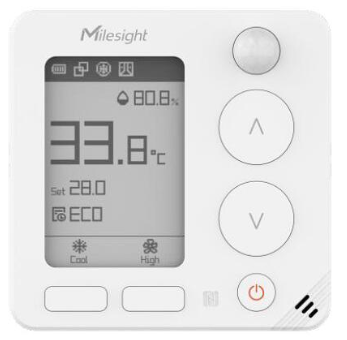
WT401 Smart Thermostat
-
Primary interface for users of a particular room or zone
-
Controls multiple TRVs in a single zone
Room Environmental Sensors
-
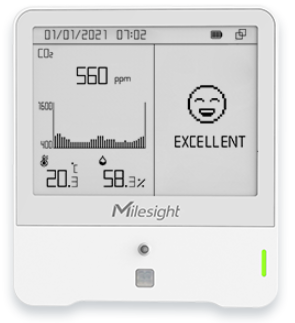
AM103L / AM307 (Temp/Humidity/CO₂)
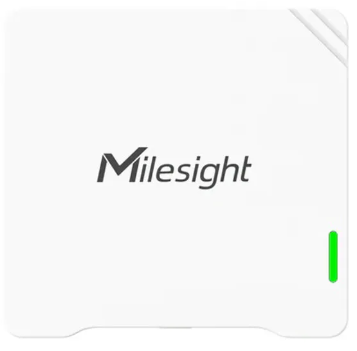
AM103L
-
VS121 People Counter (for occupancy‑based temperature reduction)
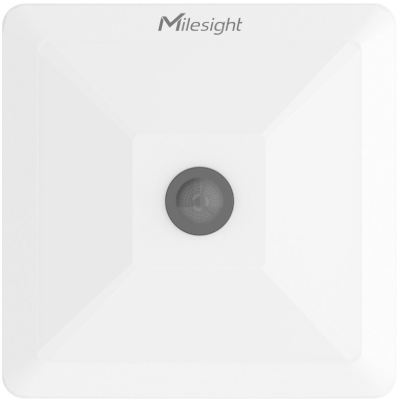
VS121
Occupancy & PIR Sensors
-
WS202 PIR / Light Sensor
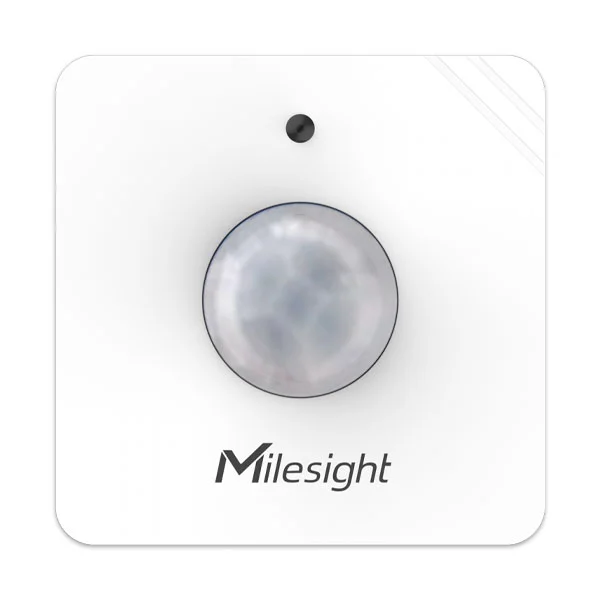
WS202
-
Supports enhanced open‑window logic
-
WS301 Door/Window Sensor
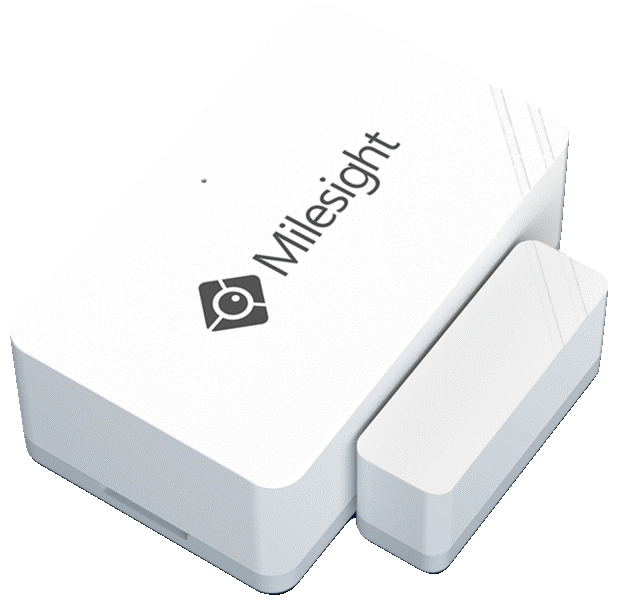
WS301
5. Additional Resources
-
Milesight Document Centre
Product Introduction
-
Milesight WT102 datasheet
wt102-datasheet-en.pdf -
Milesight WT101 datasheet
wt101-datasheet-en.pdf -
WT401 Wireless Thermostat Datasheet
wt401-datasheet-en.pdf -
Forest Rock LoRaWAN Integration Guide
Discover LoRaWAN Connectivity| Forest Rock